

Navigate to the dedicated web address for the Global Project Tracker
Link: https://app.blackridgeresearch.com/index.php
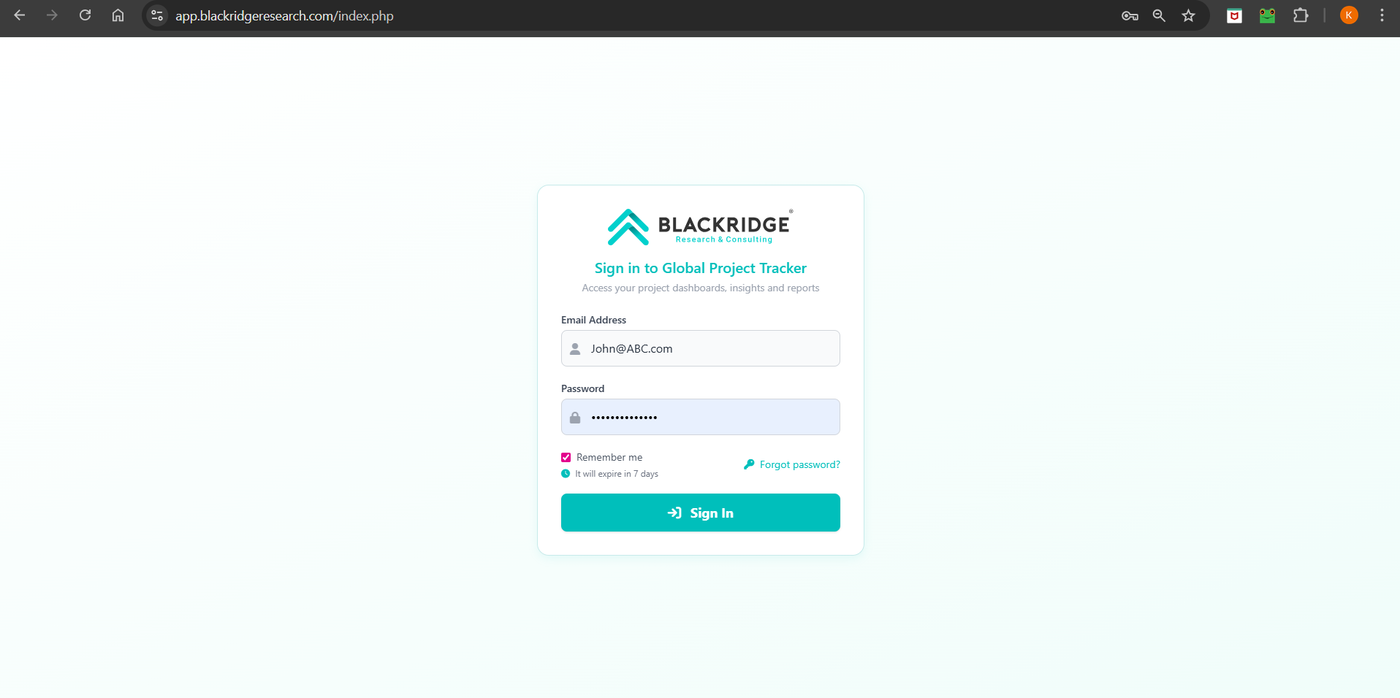
Enter Credentials:
Email Address: Enter the email address associated with your Blackridge Research account.
Password: Enter your secure password.
Remember Me (Optional): Check the "Remember me" box if you wish the system to save your email address for future login attempts on that device.
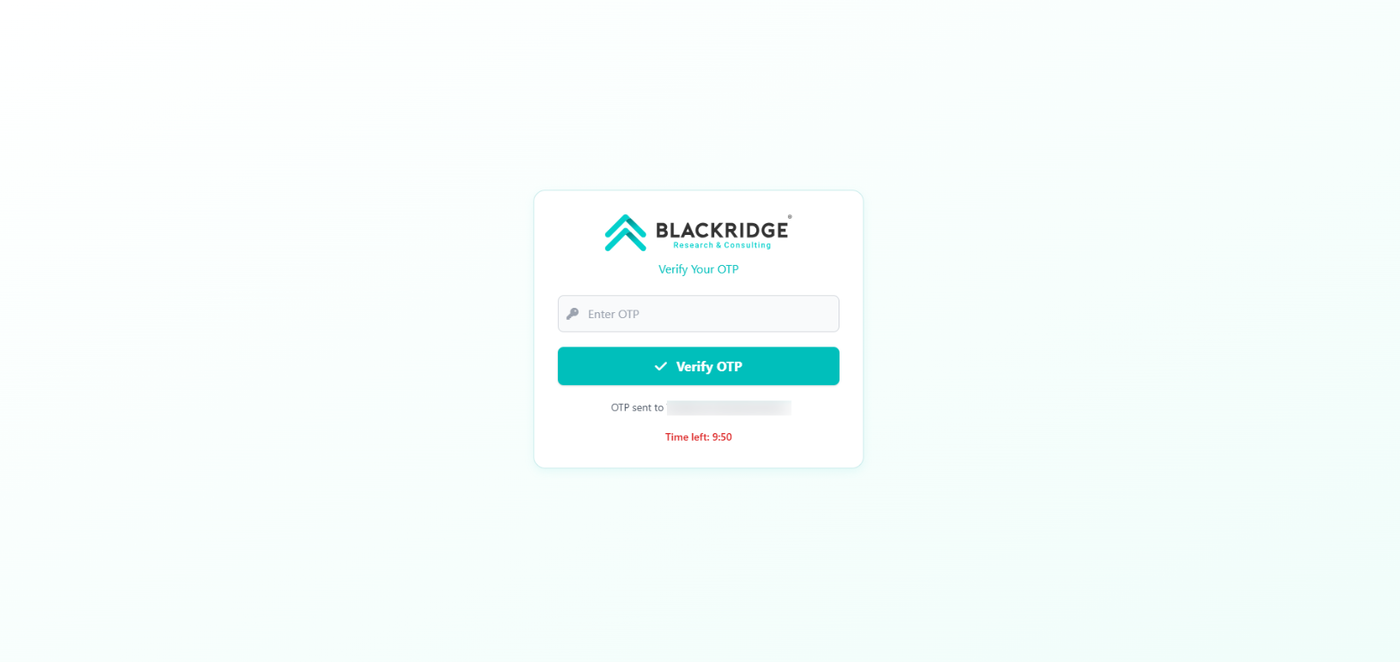
Sign In: Click the "Sign In" button to access your personalized Dashboard. You will receive an OTP to the registered email id which must be used to login.
Troubleshooting
Forgot Password: If you cannot recall your password, click the "Forgot password?" link for instructions on resetting your credentials.
